A Deployment is a Kubernetes object that declares how application replicas should run and manages their updates through ReplicaSets. You describe the desired state; controllers work to bring the actual state closer to that declaration.
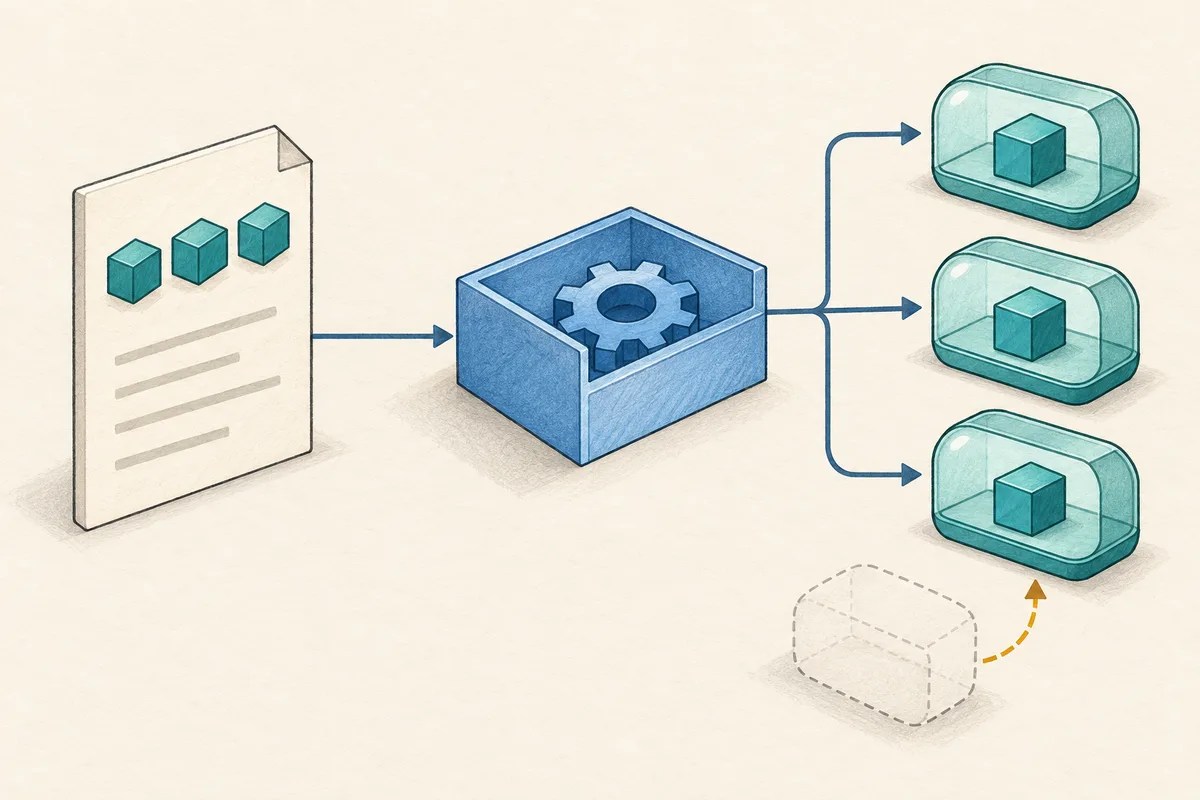
Left to right: the Deployment declares, the ReplicaSet maintains the count, and Pods run the application. A new Pod replaces the one that disappeared. These arrows represent control, not traffic routes.
What Kubernetes manages
Kubernetes runs containerized workloads on a cluster of machines. You declare what should run, and controllers compare that request with the observed state. A Deployment keeps application replicas running, while a Service provides a stable way to reach its backends.
Deployment, ReplicaSet, and Pods
The Deployment defines the replica count and Pod template. It manages ReplicaSets; each ReplicaSet’s controller tries to maintain the declared number of Pods. A Pod is the smallest unit Kubernetes schedules. Its containers share a network and can share volumes.
If a Pod disappears, the controller tries to create a replacement. Replacement does not fix code or configuration errors: the new Pod may fail for the same reason.
Rollouts and scaling
A Pod template change, such as a new image, starts a rollout: the Deployment coordinates the transition to that version. Changing only replicas from 2 to 3 is a scaling change and does not create a new template revision.
Readiness probes are checks that tell Kubernetes whether the application in a Pod is ready to receive traffic. This readiness signal affects rollout progress. If a check misses real failures, a successful rollout can still leave users with a broken application.
Services, selectors, and endpoints
A Service provides a stable access point. Pod labels are key-value pairs. When a Service has a selector, Kubernetes matches it against those labels to find the Pods that back the Service.
Kubernetes records the backend addresses and ports in EndpointSlice objects. If a selector stops matching the labels, the Service can lose its backends even while the Pods remain healthy.
The Deployment and ReplicaSet maintain the replicas. To verify access to the application, also check which Pods the Service selects and which endpoints are available.
Container restarts and CrashLoopBackOff
CrashLoopBackOff indicates Kubernetes is delaying further restart attempts after repeated container failures. Inspect container logs and termination details to find what caused the process to exit. Replacing a Pod with the same configuration can reproduce the failure.
Read-only filesystems and writable volumes
The readOnlyRootFilesystem setting makes a container’s root filesystem read-only. A volume mount can make a specific path writable so the process can write its runtime files there. An emptyDir volume survives container restarts within the same Pod and is removed when the Pod goes away. Use it for temporary data.