An environment is the context in which software runs: its computing resources, configuration, data, and connected services. Production serves real users. Separate development and testing environments let you change and check the application without deliberately experimenting on those users.
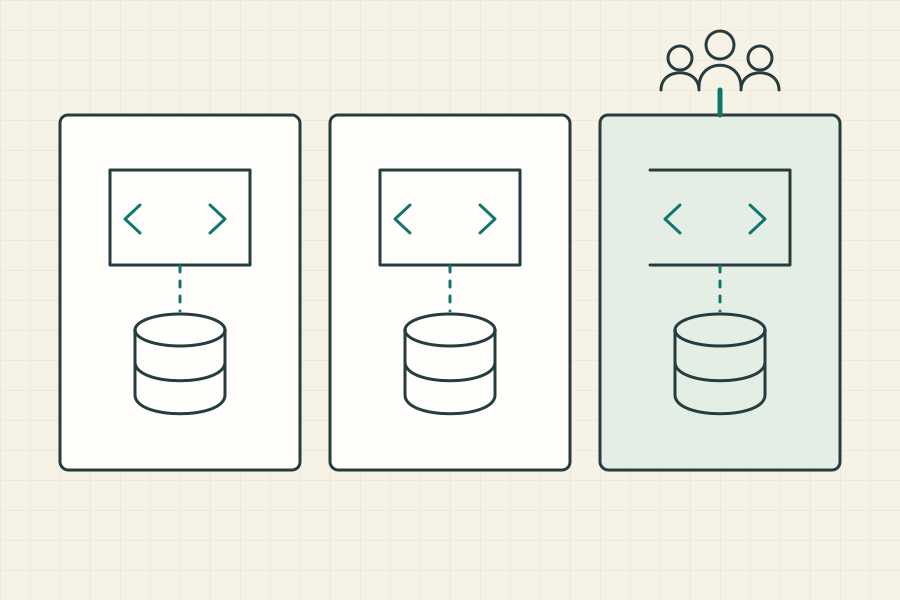
Development, testing, and production have different purposes. Their resources and data must be deliberately separated; a different name or URL alone does not provide isolation.
Different purposes, not a fixed number
Development is where you edit and try changes, often on your laptop. A test environment runs checks with controlled inputs. Staging is a place to rehearse a release under conditions close to production. Production handles real traffic: requests from users or other systems.
You do not always need three permanent environments. A small service may use local development and temporary test environments before production. Choose the separation that gives useful evidence for your risk and budget.
The same code, different configuration and data
Configuration selects details such as a database address or payment provider endpoint. A secret is sensitive configuration, such as a password or API key. Keep secrets out of Git and provide separate credentials and permissions for each environment.
For the checkout fix, testing should use test orders and a payment sandbox that cannot charge customers. A test URL pointing at the production database can still damage real data. Check the connections and permissions, not only the environment's name.
Rehearse what matters
Keep relevant software versions and connected services similar enough that checks are useful. Test data should represent important cases without exposing customer data. Differences in load, permissions, or external services can still hide failures until production.
Promote the same identified software version between environments while supplying the appropriate configuration. Containers can help package that version consistently; they do not create the separation for you.